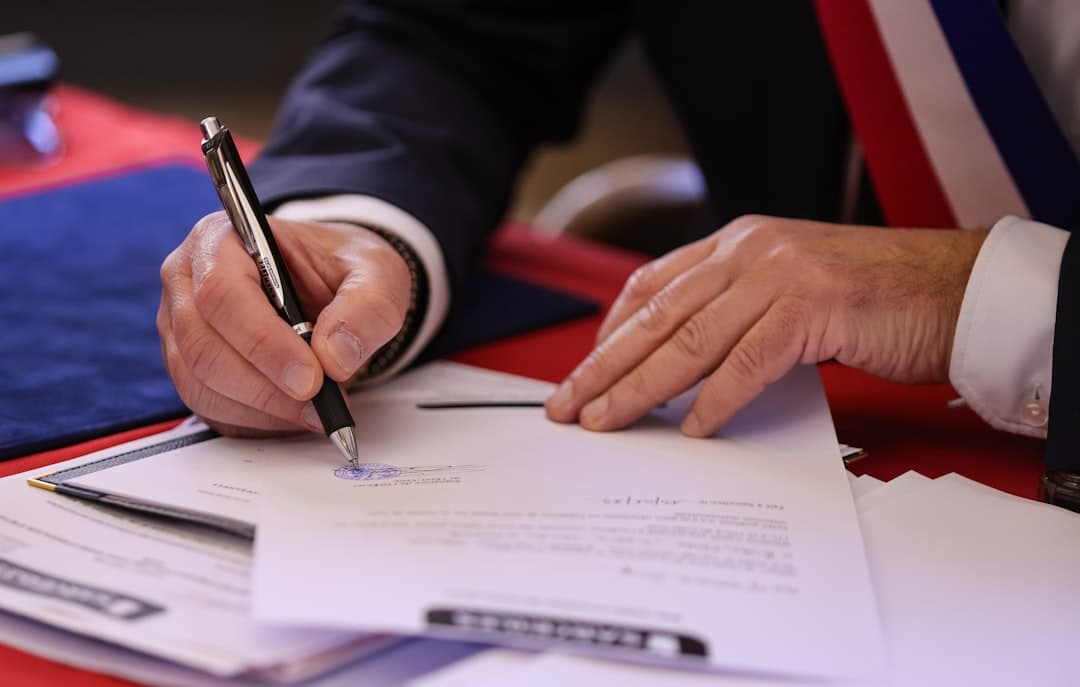
Electronic signature of a purchase order
Have a purchase order signed electronically: procedure, recommended level and integration with your ERP.
Updated on
Writer — Certyneo · About Certyneo

The purchase order is the document that turns a proposal into a commitment. Until it is signed, it is only a quote; once signed, it forms the contract and triggers the payment deadlines. Signing it electronically changes nothing about its legal value — the French Civil Code grants electronic writing the same evidentiary weight as paper — but it changes everything about the time needed to obtain it, which drops from several days to a few minutes.
What a purchase order must contain
A signed purchase order is only useful if it is complete. Six elements are essential:
- The identification of the parties: company name, legal form, address, registration number.
- The precise description of the goods or services, in quantity and quality.
- The price, excluding and including all taxes, along with any price revision terms.
- The deadlines for delivery or performance.
- The payment terms: due date, deposit, arrangements.
- The reference to the general terms and conditions of sale, with a statement that they have been accepted.
This last point is the one that gets litigated. Producing your general terms and conditions is not enough: you must show that the customer was aware of them and accepted them before committing. An electronic purchase order settles this issue by linking the document, the appended terms and the act of signing within a single dated set — a mechanism detailed in our article on acceptance of general terms and conditions.
Signing triggers the payment deadlines
This is the most concrete effect, and the one most often overlooked in sales organization.
Between businesses, the agreed payment term is capped by law, and late-payment penalties are due automatically, without any reminder, from the day after the due date. A flat-rate compensation for collection costs is added on top, owed for each late invoice.
These amounts start running from a due date calculated from the commitment date. Every day saved on signing is therefore a day saved on collection — and on the limitation period, whose starting point is covered in our article on the statute of limitations for commercial receivables.
How to proceed, in practice
Prepare the document. Start from a template rather than a file rebuilt each time: missing clauses are the leading cause of an unusable purchase order. The quote acceptance template covers the common case, and the quote generator produces an already structured document.
Choose the signature level. For a recurring commercial purchase order, a simple electronic signature is enough: it is legally valid and admissible. Higher levels don't buy validity, they buy a more comfortable evidentiary position in the event of a dispute — a trade-off to reserve for high-stakes commitments, which is where the qualified electronic signature.
Send and track. The document is sent by email, and the customer signs from their phone or browser without creating an account. Automatic reminders eliminate manual follow-up, which is the most time-consuming step in the paper process.
Keep the proof. What protects you is not the signature alone but the file built around it: identity of the signatory, timestamp, event log, demonstrable integrity of the document. The step-by-step process is on our how to sign.
What you gain, in figures
The paper process for a purchase order — printing, sending, follow-up, receiving, filing — represents on average forty-five minutes of cumulative human time, split between sales and administrative staff. At a typical loaded cost, this puts the real cost of a paper purchase order at around twenty-five euros, well beyond the direct expenses.
The breakdown of this calculation, item by item, is in our comparison of the cost of electronic signature versus paper. To project your own volumes, the return-on-investment calculator takes your number of documents and your hourly cost as input.
Use cases
Recurring remote sales. A single template, a simple electronic signature, automatic reminders. This is the case where the time gap with paper is greatest, and where the gain is measured as much in conversion rate as in cost.
Order with a deposit. Have the purchase order and the payment schedule signed in the same送out. Separating the two documents creates a gap during which the commitment exists without the payment being properly framed.
Key account customer. Multiple signatories, often in separate departments. The signing order and per-signatory reminders prevent the file from stalling on an absent person. Automation from a business tool goes through the electronic signature API.
Frequently asked questions
Does an electronically signed purchase order have the same value? Yes. Electronic writing has the same evidentiary weight as paper writing as soon as the signatory can be identified and the integrity of the document is guaranteed.
Is a qualified electronic signature required? No, not for a routine commercial purchase order. A simple electronic signature is valid and admissible; higher levels are justified by the stakes and the risk of dispute, not as a matter of principle.
Does the customer need to create an account to sign? No. They receive a link, open the document and sign from their browser or phone.
What happens if the customer disputes their signature? The evidence file built at the time of signing — identification, timestamp, event log — is what allows you to respond. Its strength depends on the level chosen.
Does the purchase order constitute a contract? Once signed by both parties, it forms the contract and sets out each party's obligations. It is also what makes the general terms and conditions enforceable, provided their acceptance is established.
Can a purchase order be signed from your management software? Yes, via an integration or the API, which avoids re-entering data and triggers sending directly from the tool where the order is created.
To go further
Three ways to get started, in order of increasing commitment:
- Start from a ready-to-sign template and send it as is, to test the process on a real order.
- Generate a custom document with the contract generator, if your purchase order includes specific clauses.
- Automate from your management tool via the API, once volume justifies eliminating re-entry.
The pricing is broken down by sending volume, and the first monthly sends are free, which lets you measure the time savings on your own orders before making any commitment.
Try Certyneo for free
Send your first signature envelope in under 5 minutes. 5 envelopes for 14 days, then 2/mo, no credit card required.
Go deeper on the topic
Reference articles on this topic.
Take action
Sign a purchase order online
Sign this document online with an eIDAS-compliant electronic signature.
Go deeper on the topic
Our comprehensive guides to master electronic signatures.
Continue reading about Tutorials
Deepen your knowledge with these related articles.