Certyneo

QES guide

All information on the qualified signature (QS)

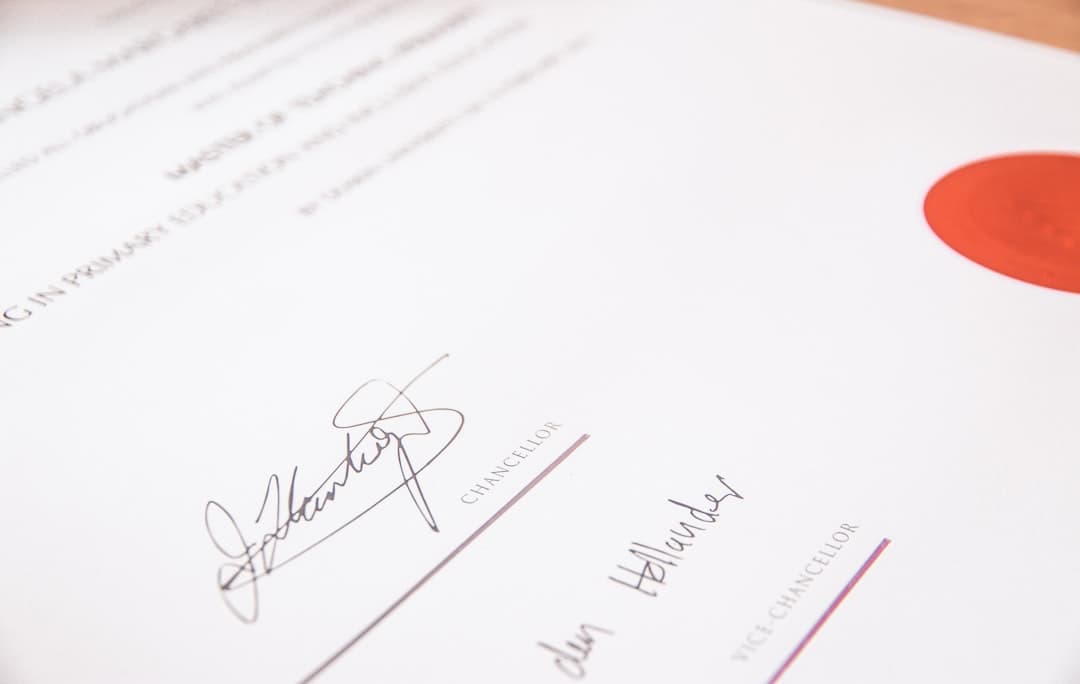
The QES is the only level of electronic signature that is strictly equivalent to a handwritten signature throughout the European Union.

What's a qualified signature?

The Qualified Electronic Signature (QES) is the highest of the three levels of electronic signature defined by the European eIDAS Regulation (EU) No 910/2014.

In practice, it is based on a digital certificate issued personally to the signatory after strict verification of his identity, and created via a certified signature system operated by a qualified trust service provider (QTSP) on the European Trusted List.

When to use the QES instead of SES or AES?

For most commercial contracts, the advanced signature (AES) is sufficient.

  • Notarial acts and files sent to administrations requiring the qualified level (INPI, some prefectures).
  • Contracts with very high stakes where the probative force must be indisputable (M&A, real estate divestments).
  • Public procurement and tenders explicitly requiring a qualified level signature.
  • Signatures with cross-border value where the recipient requires the maximum eIDAS level.

How it works in practice

Step1

The signer installs their identity app

One time, from the App Store or Google Play. Account creation with ID scan and video selfie (5 to 10 minutes).

Step2

You are sending your envelope to Certyneo.

In the send wizard, select the level Qualified (QES) . The recipient receives an email as for any Certyneo signature.

Step3

The signer signs from the app.

He clicks on the link in the email, opens the app, confirms with his PIN/biometric. The qualified signature is affixed and the signed document is automatically returned to Certyneo.

Enrol in 5 minutes

The qualified signature runs through an identity app: itsme or Evrotrust, the signer's choice. Both are qualified providers on the European trusted list — the signature produced is identical either way. What matters is the country that ISSUED the identity document, not the country of residence: 56 issuing countries are covered. In France, the passport, the national ID card and the residence permit are all accepted. If your signer holds a document issued outside that list, a qualified signature is impossible — contact our support before sending the envelope.

  1. Download one of the two apps

    itsme or Evrotrust, from the App Store (iPhone) or Google Play (Android). Installing is free. A smartphone is mandatory: it is what holds the signing certificate.

  2. Create your account

    Enter your name, surname, email and phone number. A verification code is sent via SMS.

  3. Scan your ID

    The application guides the shooting (recto, verso, hologram).

  4. Selfie video

    A short video (~10 seconds) is recorded to confirm your identity. The account is activated after validation, within a few minutes.

How much is it ?

€ 9,90

by qualified signature (beyond the Certyneo package)

No fixed cost: if none of your signatories use the QES in the month, no extra charge is added. Simple (SES) and Advanced (AES) signatures remain included in your package at no extra cost.

Frequently Asked Questions

Must the signer have an account before receiving the envelope?

Ideally yes otherwise he will have to interrupt the signature to install the app and then come back. For recipients you know are not equipped, notify them by email before sending the QES envelope.

My signer has a foreign identity document — can they use QES?

It depends on the country that issued the document, not on where the signer lives. 56 issuing countries are covered by itsme and Evrotrust together; a document issued outside that list cannot create the identity account, even for someone living in France. In that case a qualified signature is impossible — contact our support before sending the envelope.

Is the ESQ really as valuable as a handwritten signature?

Yes it is explicitly stated in Article 25 of the eIDAS Regulation. no European authority, judge or administration can refuse an ESQ on the grounds that it is electronic. it is the only level that benefits from this automatic presumption.

What happens if the signer quits during the signing process?

No signatures are attached, so no extra charges are charged. The envelope stays on hold until the signer returns, or until you cancel it from your dashboard.

Related guides and solutions

Explore the related resources from our electronic signature hub.

Recommended articles

Ready to send your first qualified signature?

Log in, choose the Qualified Level (QES) in the wizard, and send your envelope.

Creating a QES envelope

Certyneo Community

A question about electronic signatures?

Join the Certyneo community: ask your questions, share your answers and connect with thousands of users and our team.